Custom integration
If you aren't using one of the supported subscription platforms or you have a custom subscription setup that doesn't make use of your billing platform's subscription management features, you can choose to integrate ProsperStack yourself with a custom billing integration.
Limitations
Without a direct connection to your billing system, ProsperStack cannot automatically cancel subscriptions or fulfill accepted offers. Your application owns every subscription change.
Additional features that are not available without a connected subscription platform include:
- Retained revenue reporting
- Subscription payment automation triggers
- The hosted customer portal
Connecting a custom integration
On the ProsperStack dashboard, click Connect a subscription platform to open the connection panel. You can also click the gear icon in the main header to open Settings, then click Connect a platform in the Subscription platform section.
Click Use a custom integration.
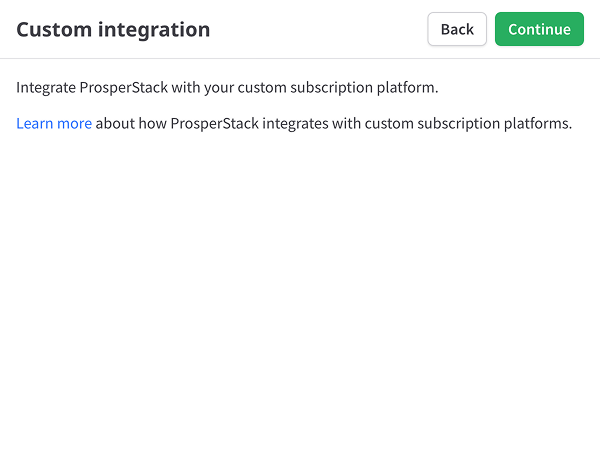
Click Continue.
Implementing a custom integration
When using a custom integration, your application will be responsible for processing cancellations, fulfilling accepted offers and making any other subscription modifications.
Implementation involves embedding the ProsperStack cancellation flow into your application and adding handlers to process cancellations and other subscription changes. Read more about implementing a custom billing integration.