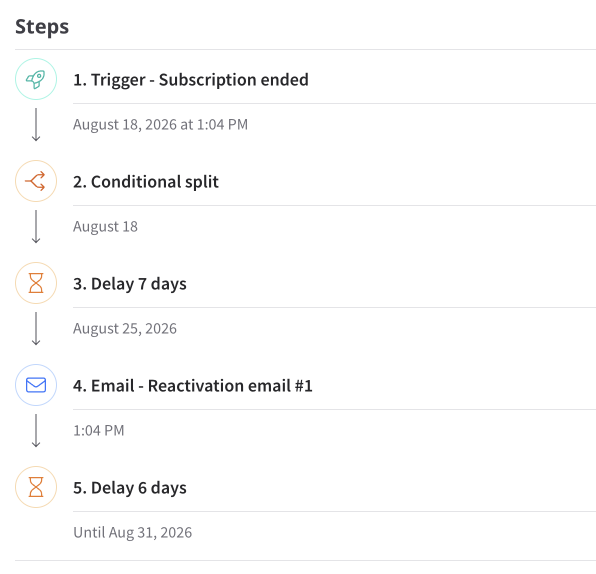
Viewing enrollments
The enrollments screen provides visibility into what your automations are doing in the background.
An enrollment record is created whenever a trigger event enrolls a subscriber in an automation.
Click Enrollments in the left navigation to view all automation enrollments.
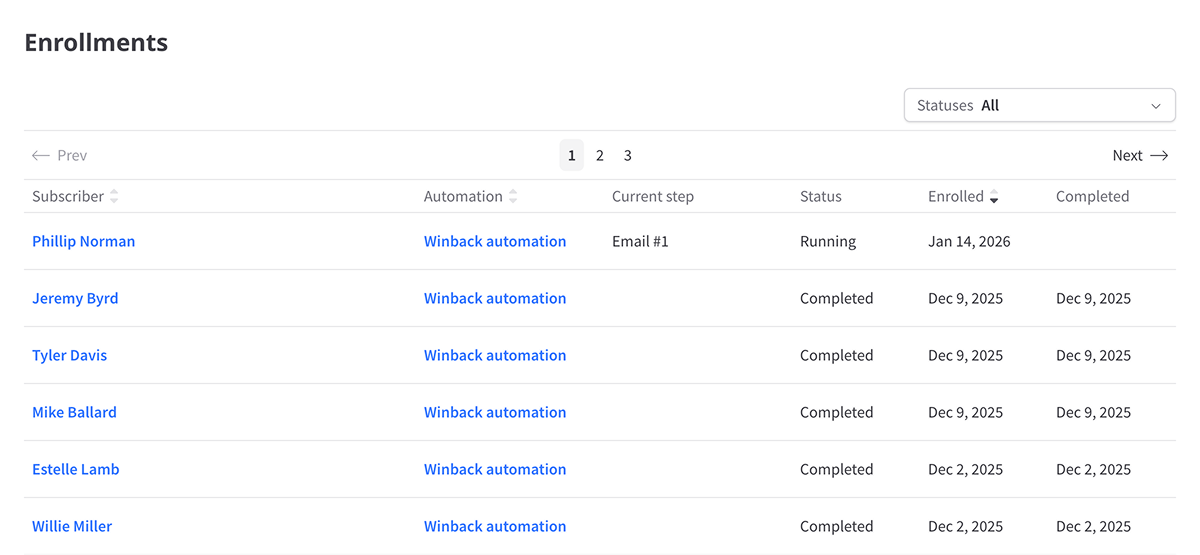
Each row represents an individual enrollment and displays the subscriber's current status as the record progresses through the automation's steps.
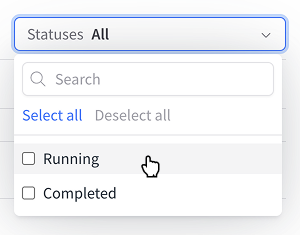
Filtering enrollments
Enrollments can be filtered by status (Running, Completed, Aborted or Failed).
Viewing enrollment details
Click a subscriber's name in the enrollment list to open that enrollment's detail page. This page shows enrollment status and chronological step history.
You can also open enrollment details from the Enrollments card on a subscriber profile.