Preview and test
Typical owners: Retention owner and technical implementation owner
Flow previews validate a flow's content and logic, while end-to-end tests validate the real entry point, customer data and subscription outcome.
Preview the flow
Preview a flow to:
- Walk every answer, deflection and offer path
- Compare draft and published versions
- Simulate relevant segments and custom properties
- Review desktop, tablet and mobile layouts
- Share a configured preview link with stakeholders for approval
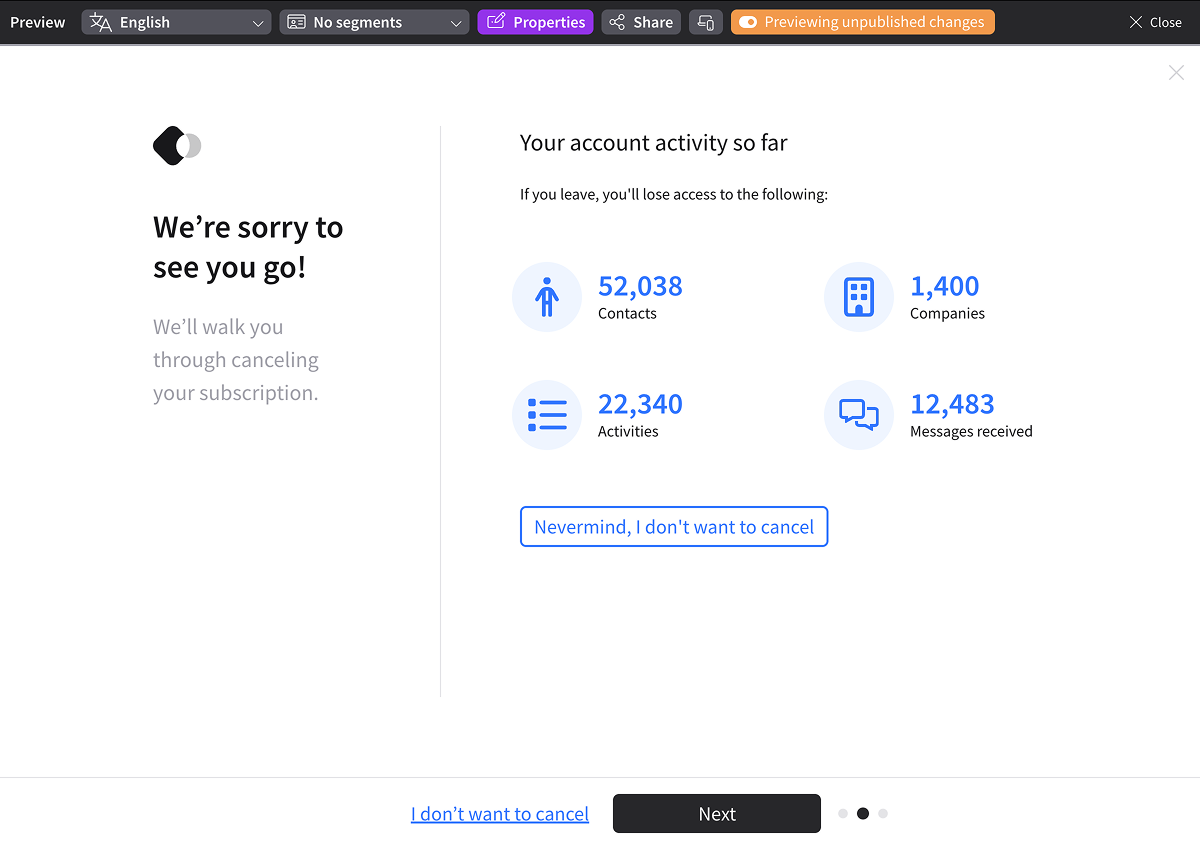
Preview mode does not replace an end-to-end integration test because it does not use a live subscription or test your cancel button integration.
Run end-to-end tests
In a development or staging environment, use your test mode client ID and a test subscription.
For Shopify, test the theme or portal that contains the snippet.
Scenarios to test:
- A customer completes cancellation
- A customer accepts an enabled offer
- A customer closes the flow without completing it
- The correct flow and conditional content appear for representative customer or subscription data
- Confirmation text, emails and downstream automations match the resulting subscription state